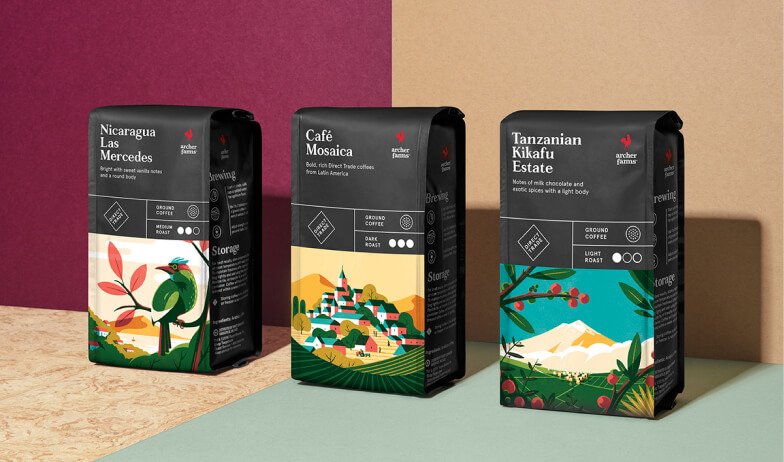
Have you heard about our Version Printing service?
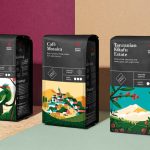
If you’re printing multiple designs of a particular product, then you can save on costs and simplify the ordering process by printing them all in one go with Versions. It’s a quick and easy process and you can even add up to 100 different designs!
Whether you’re creating personalised designs or stocking up your printed products for the new season, Version Printing is your helping hand.
Here’s the lowdown
Setting Up for Version Printing
Getting your designs ready for version printing is simple:
- Choose the product and select your size, paper and finish in the product builder.
- Under ‘Choose your quantity’ you will see ‘Do you want to print more than one design?’ and select yes. Then add the number of different designs you will be printing. Once everything is correct, click confirm.
- You will then see the total number of prints in your order. Each Version will be printed in the quantity specified above so make sure the numbers are correct.
- Select your finishing touches and either save your quote or click continue.
- Upload the artwork file of your different versions and double check that it’s correct (don’t forget to add bleed). Then simply add to your basket.